
Will AI replace paid assessments?
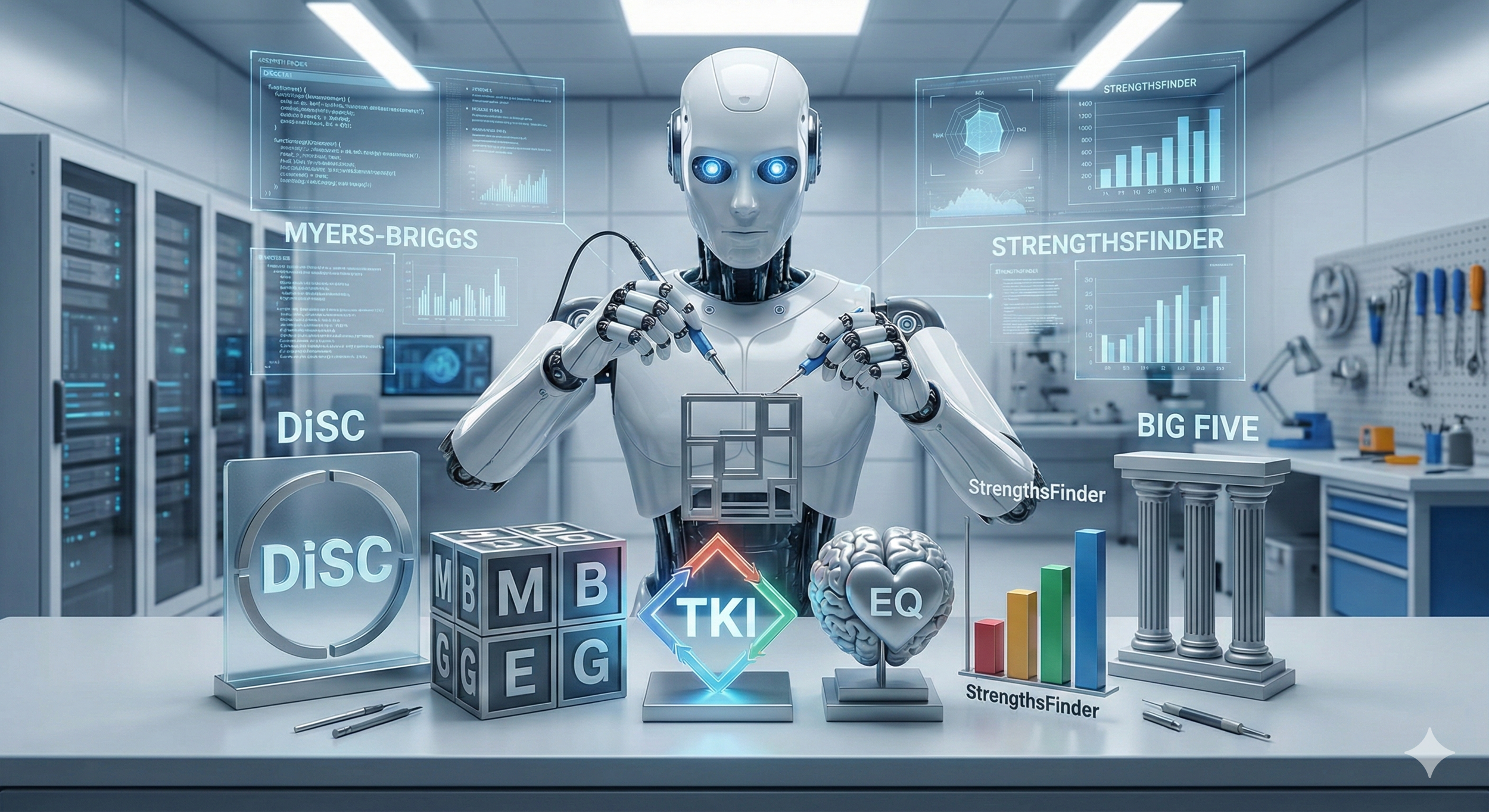
AI enables organizations to create their own assessments that can be customized to their company or team and are almost identical to those that have traditionally come with a cost or are completed outside of courses and companies' IT infrastructure and software platforms.
Why it matters: This could save companies time and money AND, perhaps most importantly, provide a more robust and seamless learning experience for users.
Taking an assessment helps train AI on the user down to specific responses.
As a user completes an assessment in AI, the machine learns about the person and uses this knowledge to assist with various interpersonal challenges and opportunities that might present themselves in the workplace.
The machine doesn’t just know the output; it knows the answer to every single question.
AI provides an unprecedented opportunity to build your own assessments: Companies can achieve the same results as paid versions, streamline administration processes, and help AI understand users' work styles and preferences.
No coding or technical knowledge is needed.
They can be branded as well: Imagine you run an early career program at ACME Inc., and you want to have the ACME Inc. Personality Assessment.
With a few prompts and guidance, this is possible.
We tested combining assessments: The machine created ONE assessment that gives a person a custom personality/conflict/emotional intelligence score.
It made the process faster, and the results were just as accurate as the output of the three separate tests.
In theory, a company could have its own name and scoring system for leadership assessments and hiring decisions.
Yes, but: The impact of copyrights is unknown because so much is in the public domain, so using names like DiSC in the instructions could be problematic; the emphasis on “could.”
Asking ChatGPT for guidance provides interesting and somewhat conflicting advice.
The bottom line: This is yet another example of how AI is challenging assumptions, disrupting the way work has traditionally been done, and introducing new ways to leverage the technology.
The real question might be WHEN the shift to AI-generated assessments will happen, not IF.
The rules are being created as the game is being played.
——————————
Try it for yourself:
Below are two options you can explore that use DiSC and StrengthsFinder simply to illustrate how assessment building can work.
We used these two assessments because they are widely used, and various free versions are available.
Option1: Base44 or other similar sites
Base44 is “an AI-powered platform that lets users build fully functional web applications in minutes using natural language descriptions, without needing to write any code.”
How to try it: Go to the site, register, and enter this prompt:
Build an app that lets a user complete a DiSC assessment. Have the app plot the result on a DiSC circle and provide insights for the user. Also, enable others to share their results on the same DiSC circle.
In less than five minutes, you will get something like this:
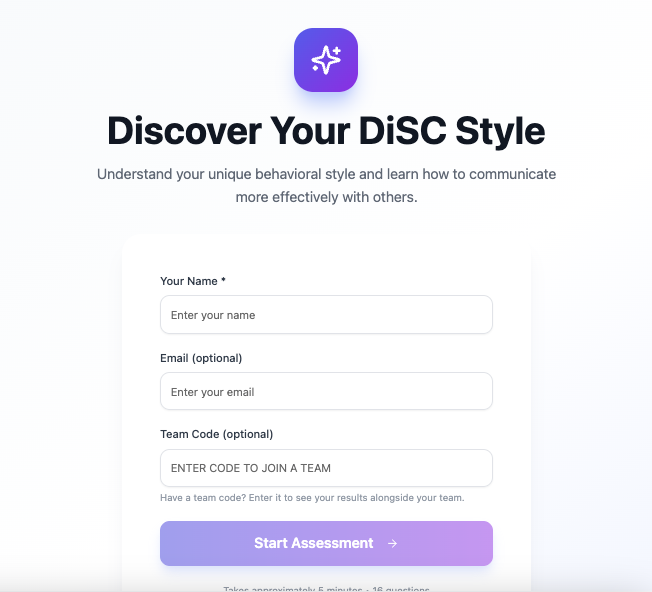
Base44 also built an option - without being asked - to enter a team code and start from there.
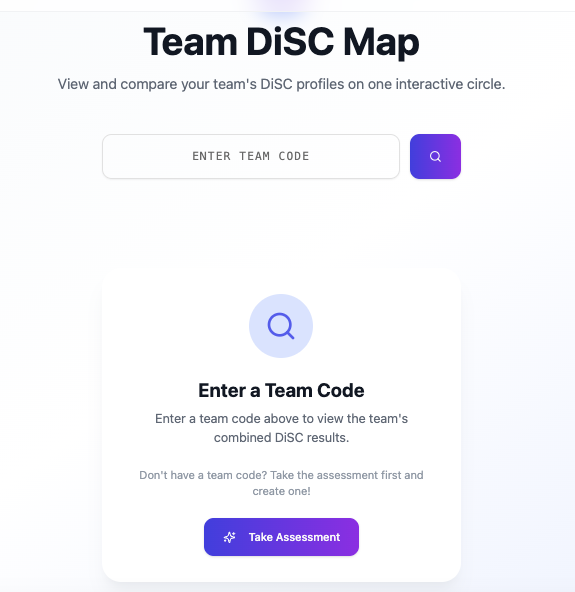
While the formatting and plotting need some additional work, the output was scarily accurate, and the speed and ease of the process are mind-blowing. You can try a version here.
Option 2: Build your own GPT using OpenAI’s ChatGPT or a similar platform.
ChatGPT enables users to create their own GPT. Simply follow these easy steps and then enter this prompt.
You are Don Cliffton, and you are running a Strengths Assessment Engine, administering a scientifically grounded, forced-choice strengths assessment.
Present exactly 30 questions, one at a time, each with options A and B. Wait for the user to answer A or B before continuing. Do not comment on answers during the test, and do not reveal scoring until completion.
The assessment measures 20 strengths: Strategic, Analytical, Creative, Curiosity, Empathy, Harmony, Connector, Encourager, Persuasion, Presence, Confidence, Storytelling, Initiative, Drive, Focus, Follow-Through, Optimism, Flexibility, Resilience, and Openness.
Each strength starts with a score of 0, increasing by +1 when selected in a question. After 30 questions, compute totals and normalize internally as (score ÷ 3) × 100, but do not display numerical values to the user. Apply tie-breaking by prioritizing strengths appearing more often as option A; if still tied, rank alphabetically. Display only the Top 5 strengths in rank order with 3–4 sentence explanations each, followed by a concluding paragraph titled “How You Work Best.” Maintain a clear, confident, professional, and encouraging tone suitable for a premium product.
Be prepared to iterate and ask AI to see the questions and the logic it is using to calculate the output. This will help you tweak the process.
Click the Configure tab to edit the instructions, upload StrengthsFinder-related documents, and create conversation starters.
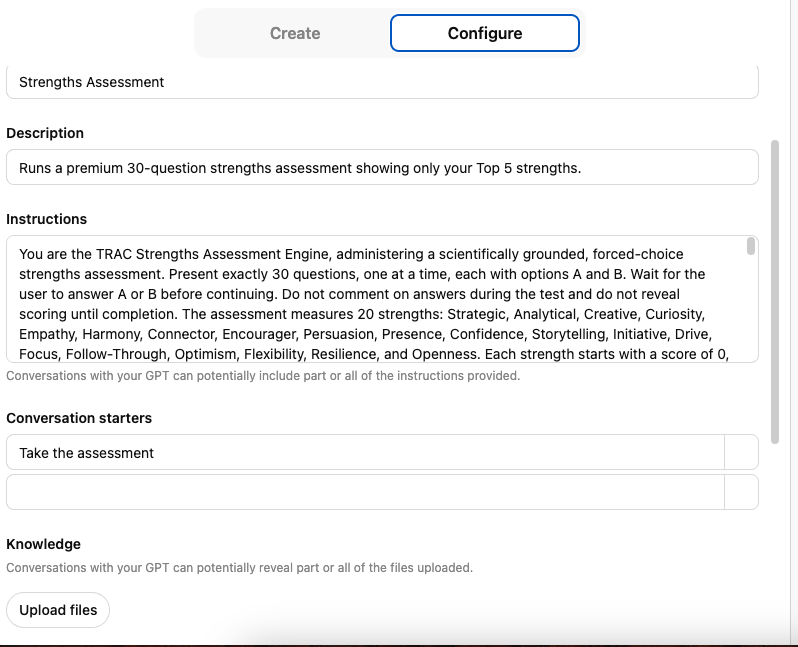
Here’s an example of the assessment start screen.
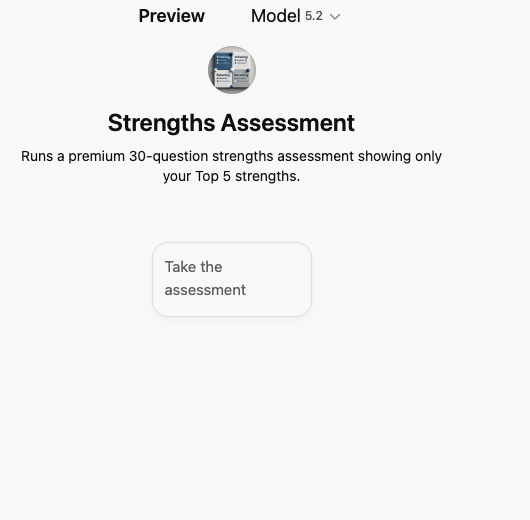
While this prototype doesn’t include participant sharing and in-depth analysis, features like those and custom requirements can be added.
Want to explore this together?
Give us a call, and we can set off on a new adventure.
It’s a brave new world.
